|

elena@signalandco.com (312) 555-0181 signalandco.com |  | ||||||||||||
|
Campaign Spotlight
A bold band, rounded portrait and a button to the campaign you're running this quarter.
A marketer's signature is the one channel with a guaranteed open. These give you a brand-true accent, a portrait, and one slot — button or banner — for whatever you're promoting this quarter.
12 templates · most relevant first
|
elena@signalandco.com (312) 555-0181 signalandco.com | | ||||||||||||
| |||||||||||||
A bold band, rounded portrait and a button to the campaign you're running this quarter.
| |||||
Maya Chen | |||||
Head of Marketing · Signal & Co. | |||||
maya@signalandco.com · (415) 555-0186 · signalandco.com | |||||
| |||||
| |||||
|
Centered portrait, a bold rule, full social row and a link to the latest campaign — social-first by design.
Marcus Hale Content Lead · Signal & Co. marcus@signalandco.com · (415) 555-0162 · signalandco.com
Subscribe to the newsletter → | |||||||||||
A dotted rail, inline contact line and every social channel — no photo, all personality.
Marcus Hale Head of Growth Signal & Co. marcus@signalandco.com (646) 555-0177 signalandco.com
|  | |||||||||||||
Square portrait to the right of a mulberry rail, four social icons under the details and an outlined link to the playbook.
Jordan Ellis Brand Designer · Jordan Ellis Design jordan@jordanellis.design (303) 555-0119 jordanellis.design
View portfolio → | |||||||||||
A single accent rail, a friendlier typeface and a portfolio link — nothing else.
 |
Maya Chen · Creative Director · Northwind Studio
 maya@northwindstudio.com
  (206) 555-0188
  (206) 555-0142
  northwindstudio.com
 |  |  |  |  |
See recent work →
Wide logo on top like a letterhead, then one line of identity and the social row.
One signature: Customize and paste it free.
Google Workspace team: Apply this design to everyone — no employee setup or copy-and-paste.
 |
maya@northwindstudio.com · northwindstudio.com M (206) 555-0188 · O (206) 555-0142
| |||||||||||||||
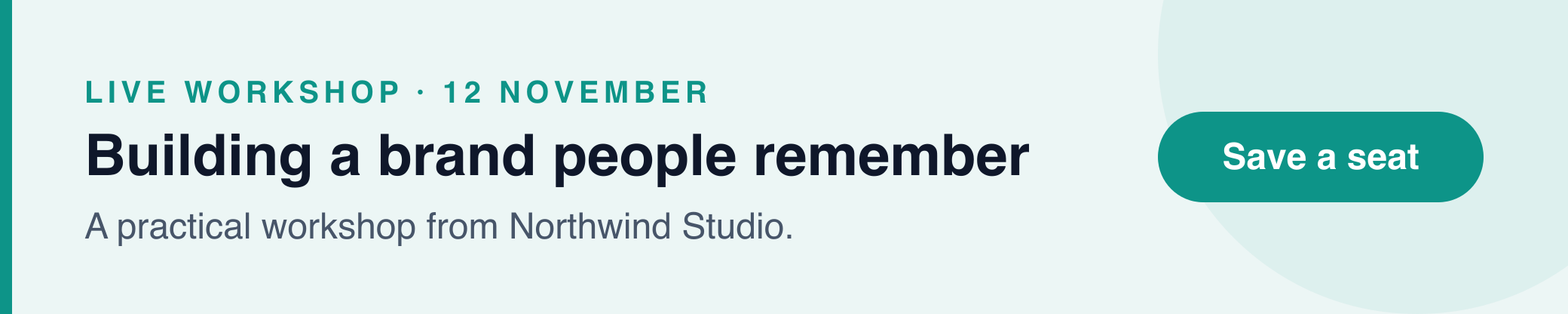 |
The Profile layout with a linked campaign banner beneath — for a launch, an event, an award.
| |||||||||||||||||||
Square portrait on a tinted card with a filled button — warm, personal and unmistakably a sales signature.
| |||||
JAMES WHITFIELD | |||||
Creative Director · Northwind Studio | |||||
james@northwindstudio.com · (415) 555-0155 · northwindstudio.com | |||||
|
Studio mark centered above a capitals name, a short rule and one contact line — a calling card for creative teams.
Jordan Ellis Brand & Web Designer Jordan Ellis Design jordan@jordanellis.design (303) 555-0146 jordanellis.design
 |  | |||||||||||||
Square portrait on the right of a warm rail, your details first and an outlined button to your recent projects.
|
A terracotta band over a centered card, rounded portrait, tracked capitals and a filled button to hire you.
| |||||||||||||||||||
A plum band on top, square portrait beside the studio mark and an outlined button to recent work.
One signature: Customize and paste it free.
Google Workspace team: Apply this design to everyone — no employee setup or copy-and-paste.
Promote one thing at a time. A button and a banner pointing at different pages split the click.
Change the campaign link, not the design — a stable signature builds recognition across a long thread.
Add UTM parameters to the button URL so the clicks show up in your analytics like any other channel.
Every template here is free to customize in the signature generator and install yourself. If your company runs on Google Workspace, the same design can be applied to every employee from the admin side — see how team management works.